This post may contain affiliate links. Mommies with Cents receives free products for review purposes and may sometimes be compensated for posts but all opinions expressed are 100% my own. See Mommies With Cents disclosure policy for more details.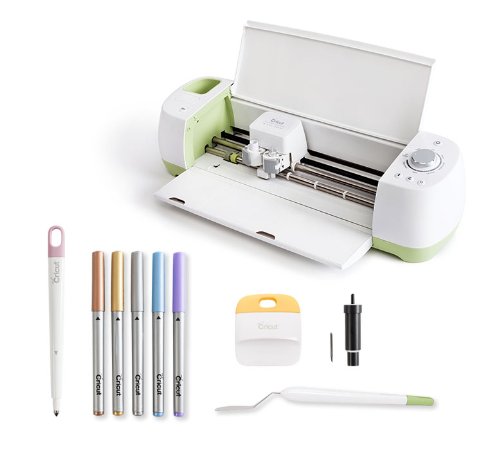
While I consider myself a crafty person, I don’t think I have a lot of talent. I like to make things and a lot of the time my projects come out alright. And other times I could be the poster girl for “Pinterest Fail” The Cricut Explore almost guarantees your projects will wow your friends and family. I had never used a Cricut before and to be honest, I was a little apprehensive. There is SO much you can do with the Cricut Explore it can be a little overwhelming. Don’t let that hold you back though! Take a deep breath, rein yourself in a little and start with a small project. There are videos you can watch that introduce you to different features of the Design Space and help you along they way. There are also free projects you can do to get comfortable using your machine. I started with this free birthday card. It really came in handy since my dad’s birthday and my hubby’s birthday are only a day a part. Both are Seahawks fans so I used Seahawks colors to make these cards.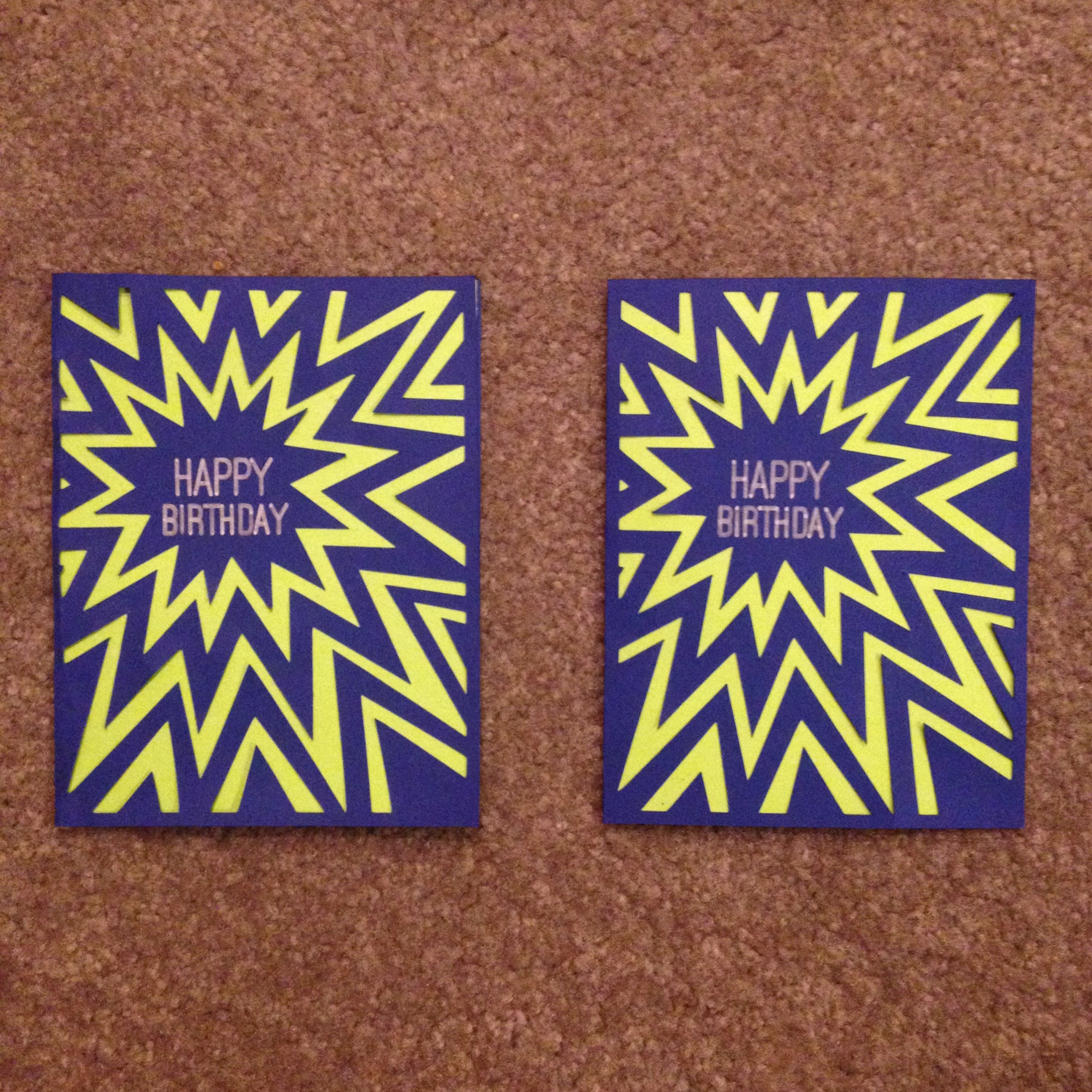
I didn’t have the scoring tool which would have made the card a little easier to fold but other than that, I was pretty impressed with how easy the machine was to use and how clean everything turned out. I used my silver pen in the machine and it wrote “Happy Birthday” on the card which was predesigned. The Cricut Explore comes with a special cutting mat that has a sticky surface. You stick your paper to it and load it into the machine, push the start button watch watch the magic happen. Then in this case, just assemble the pieces with some glue and you’re left with a super cool card!
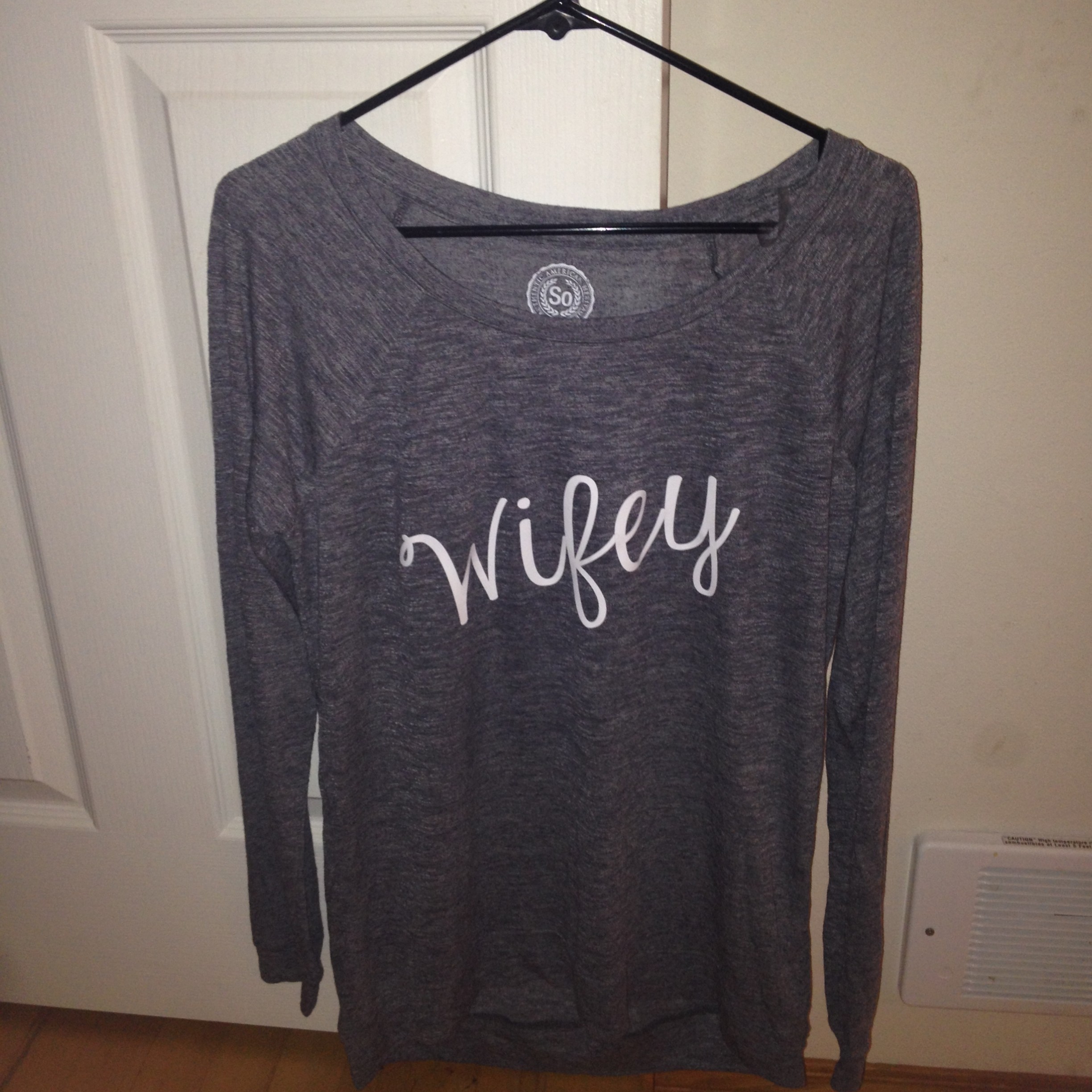
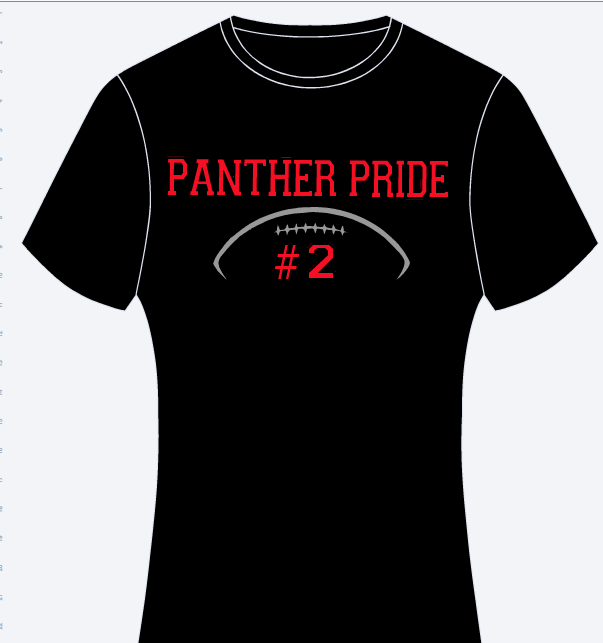
The Cricut Explore is set up to cut a variety of different materials with the turn of a dial. One of my favorite ways to use the Cricut Explore is with iron-on vinyl. My set came with a small piece of white iron-on material and I used it to make this shirt for my sister-in-law and gave it to her at her bachelorette party. I downloaded a free font from dafont.com and was able to use it right in the Cricut Design Space. It was super easy! Just remember to click the box for “mirror image” before cutting so that will turn out right! All it takes is a hot iron to apply the vinyl to the tee. I have a few other designs in the works to support my son’s pee wee football team. I’ll be using the glitter vinyl for those and can’t wait to see how they turn out! Here’s a little peek of what it will look like:
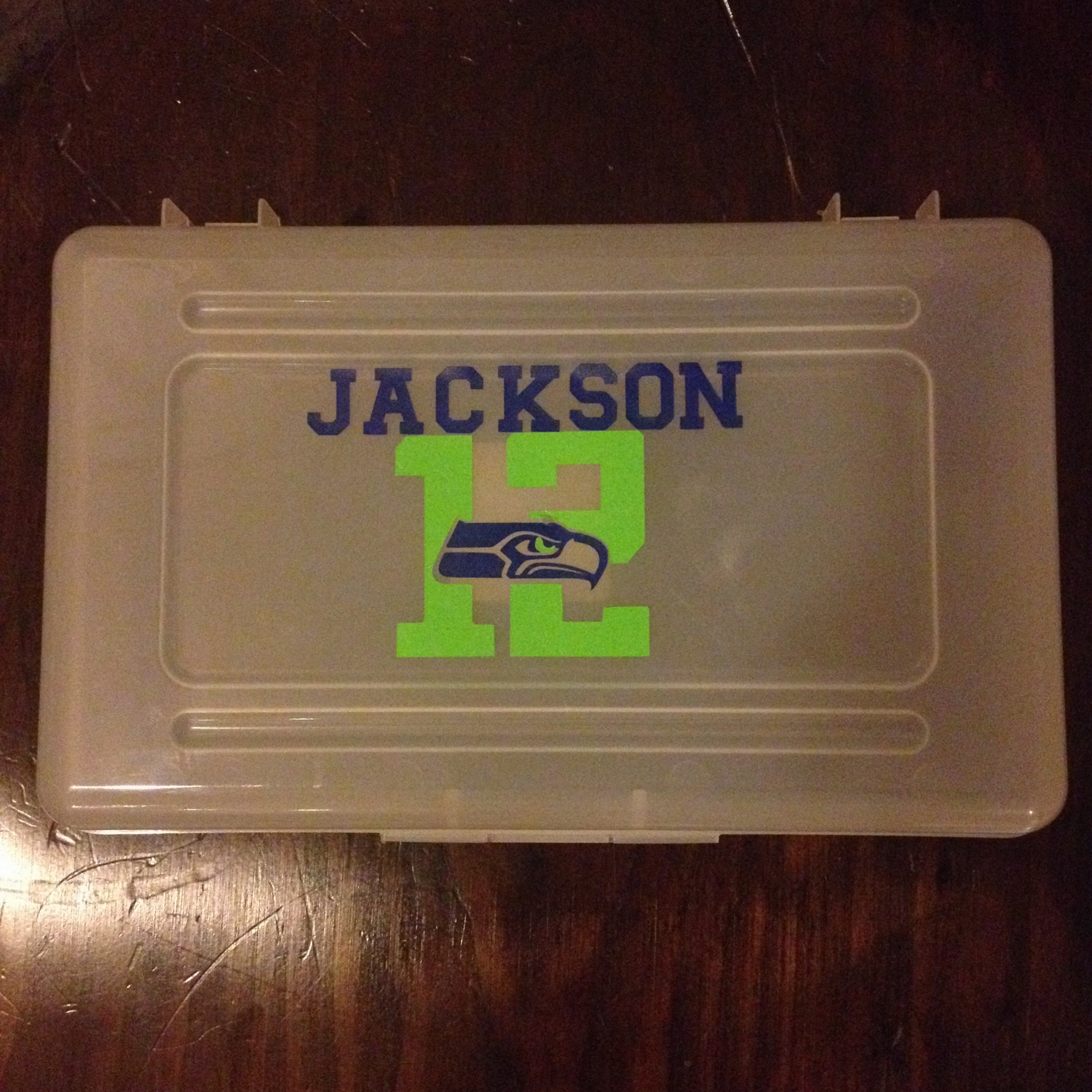
Another quick project I did was a Seahawks design for my son’s pencil box. He was excited to have this personalized pencil box for back to school. I love that I can use almost any image I can find on the internet to make a cutout design. All I have to do is upload it — Cricut makes it incredibly easy!
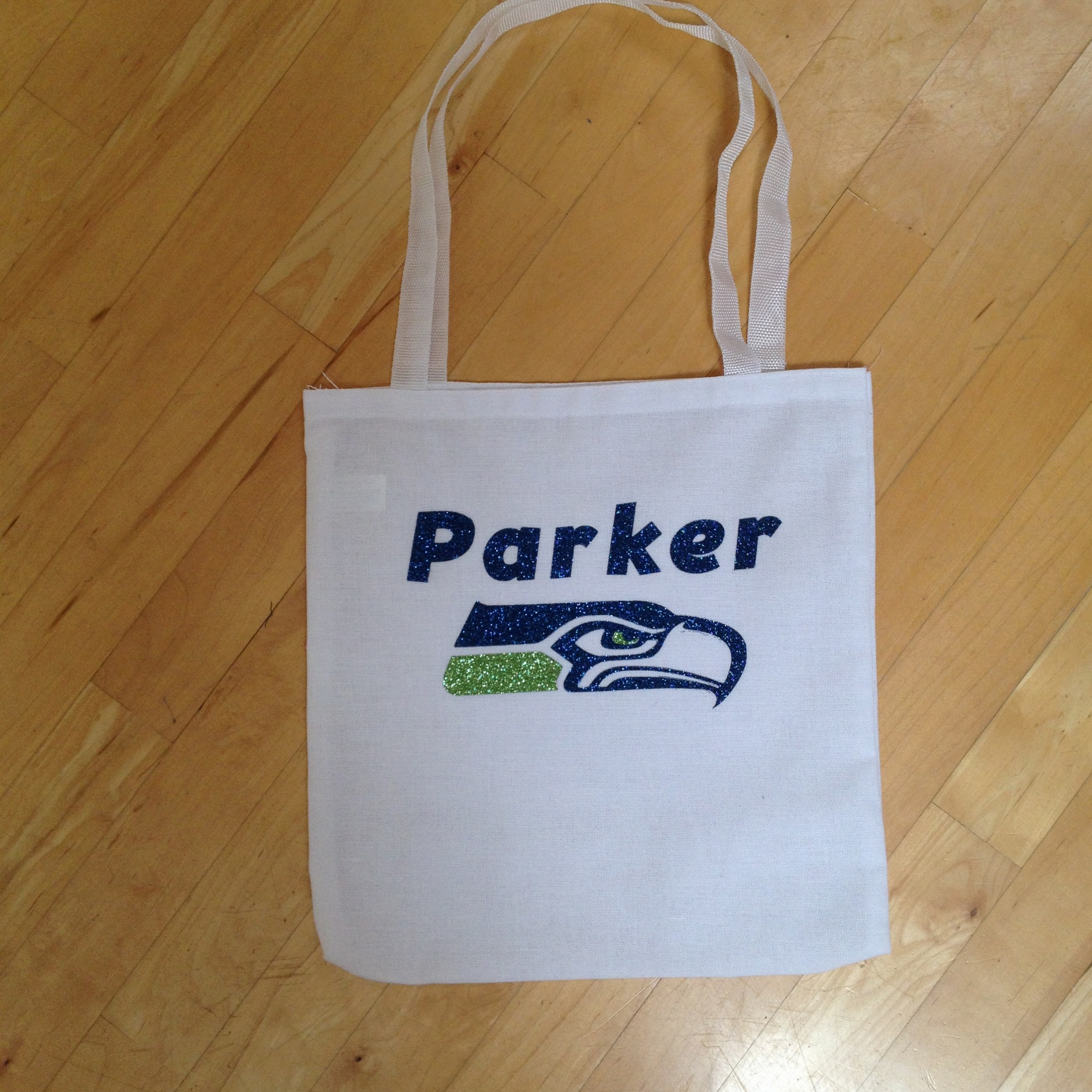
My youngest wanted something Seahawks for school too and since we found out that she couldn’t take a backpack to preschool but needed a tote bag instead, I made her this one with glitter vinyl. I’m having so much fun with the Cricut Explore and really, I’ve barely scratched the surface of things I can do with this baby! It’s easy to see why crafters everywhere are drooling over the new Cricut Explore. This must-have gadget makes it easy to turn an idea into a finished project. Using the Cricut Design Space, users can map out their project and save it for free with the cloud based software. Cricut Explore scores, cuts and writes on a variety of different materials including fabric and vinyl. It’s a DIY crafters dream! Use it to make vinyl wall decals, iron-on transfers for material or for paper crafts, scrapbooking and so much more! The starter bundle retails for around $300 and comes with:
- Cricut Explore design-and-cut system with starter materials and a two-month subscription to the Cricut Image Library
- Cricut Metallic Pen Set
- Cricut Explore Scoring Stylus
- Cricut Tools Scraper & Spatula
- Cricut Explore Deep Cut Housing & Blade
There’s no shortage of ideas on crafts that can be made with this machine You can use one of the free projects or come up with your very own. The things you can make with the Cricut Explore are limited only by your imagination! My youngest daughter’s birthday is this weekend so I’m whipping up some Cinderella themed cupcake picks and a Cinderella “Happy Birthday” banner. I haven’t finished them yet but here’s a little peek to give you an idea. I’m using some glittery cardstock for the crowns and glass slippers.
I’m really loving having this awesome machine around. Anytime I need a gift I can add a personal touch whether it be making the gift itself or adding a special card or gift tag. There are SO many awesome ideas out there and really no limit to what you can create.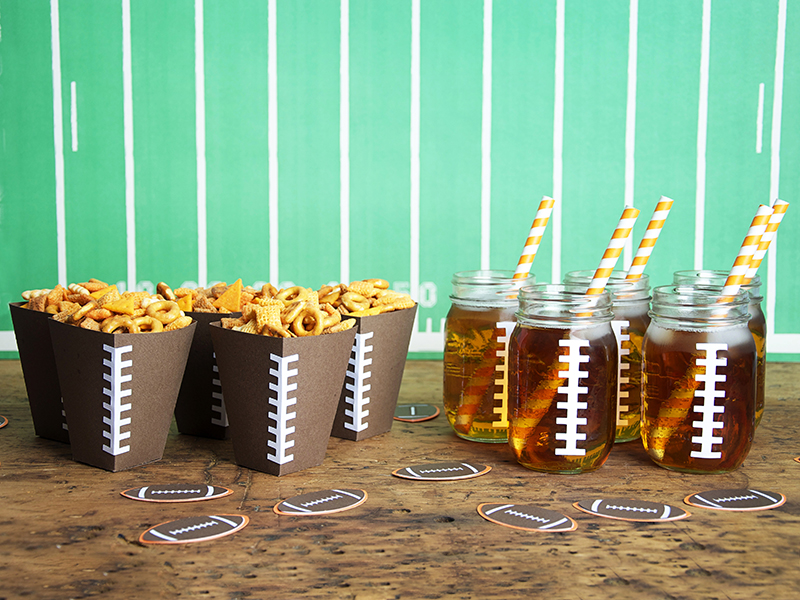
I know it’s early in the season but we’re hoping our Seahawks take it all the way again! I love these game day party ideas from the Cricut Blog. Easy, cute and looks like they are professionally made! This is just one of the MANY projects you’ll find and if you’re like me, it will just set the wheels turning — hmmm…..what ELSE can I make with my Cricut Explore??!
You can find out more about the Cricut Explore HERE or browse some of the free projects HERE. The Cricut Explore takes Cricut Cartridges or you can just download items as needed for projects.
A complimentary product/service was provided for this review, however, all opinions expressed are my own. I was not compensated in any other way. See Mommies With Cents disclosure policy for more details.
Feeling lucky? I’m giving away a Cricut Explore to one lucky reader! Enter the giveaway by filling out the form below. Also, be sure to check out all of our other giveaways. NOTE: If you don’t leave your address, I won’t have a way to get your prize to you. If you need more guidance filling out this form, you can watch this video on how to enter Rafflecopter giveaways.
This giveaway is open until October 6, 2014 at 12:01 am EST to U.S residents.
Your information is confidential and used for contacting the winner and prize fulfillment purposes only.